
Which Bed Are You Sleeping In? How to Create Viral AI Bed Choice Videos
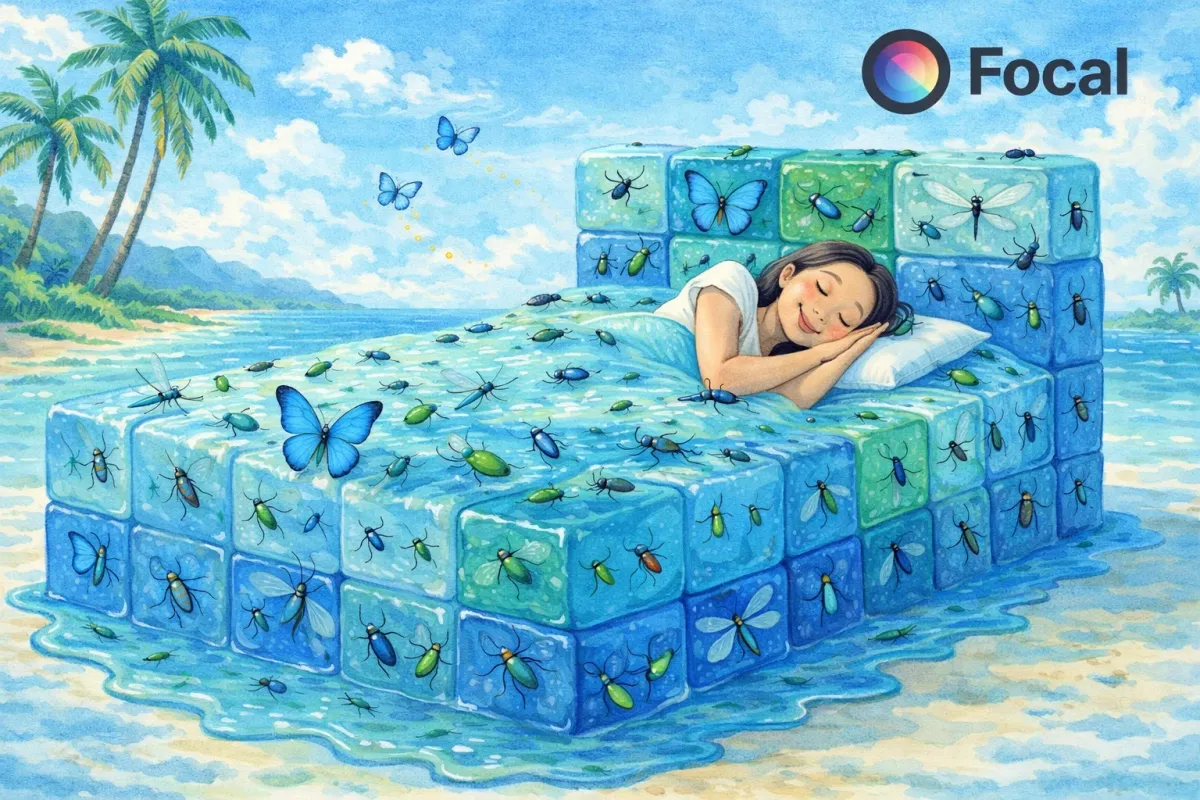
Which bed are you sleeping in is one of the most viral short form AI video trends right now. From water beds and gold beds to sand beds and fire beds, creators are using AI video generators to build hyper realistic bedroom scenes that feel immersive, cinematic, and slightly surreal. These interactive bed choice videos are performing well on TikTok, YouTube Shorts, and Instagram Reels because they trigger curiosity, visual contrast, and strong audience engagement.
In this guide you will learn how to create a Which Bed Are You Sleeping In AI video using the right prompts, cinematic settings, and advanced model selection inside Focal. We will cover long tail keywords like realistic AI water bed video, ultra immersive gold bed scene, sand bed cinematic short, and fire bed hyper realistic AI render so your content is optimized for discoverability and watch time.
@imaginevideoai Which Bed Would You Sleep In? ❄️😴💧 AI ASMR #satisfyingvideo #satisfying #shorts #aiart #ASMR #whichonewouldyoupick #visualart #ai #whichone
♬ original sound - imaginevideoai - imaginevideoai
Tools You Need From AI
To create a viral Which Bed Are You Sleeping In AI video, you need a platform that handles prompt writing, image generation, video rendering, and editing in one workflow.
This is where Focal comes in. Focal is an all in one AI video generator that lets you:
- Write structured cinematic prompts
- Generate ultra realistic environments
- Choose between multiple advanced video models
- Adjust framing, realism level, and motion
- Export vertical 9 by 16 videos for social media
Inside Focal, you can choose from leading AI video models such as:
- Google Veo for ultra realistic physics and lighting
- Runway Gen models for stylized cinematic motion
- Kling for dramatic environment rendering
- Hailuo for smooth character interaction
Recommended Model for Bed Illusion Videos
For hyper realistic water, fire, gold, and sand textures, Google Veo 3 is highly recommended because it handles:
- Realistic material physics
- Natural human movement
- High detail surface reflections
- Cinematic lighting and depth
Workflow
| Stage | What Happens in Focal |
|---|---|
| Prompt Writing | Describe the bed environment, materials, realism level, camera style |
| Model Selection | Choose the AI video model that matches realism goals |
| Video Settings | Select vertical 9 by 16, duration, motion intensity |
| Generation | Focal renders the scene using selected AI model |
| Export | Save and publish to TikTok, Shorts, Reels |
This workflow makes it easy to create scroll stopping immersive bedroom illusion videos.
Sample Output Made With Focal
Here is the type of result you can generate inside Focal.
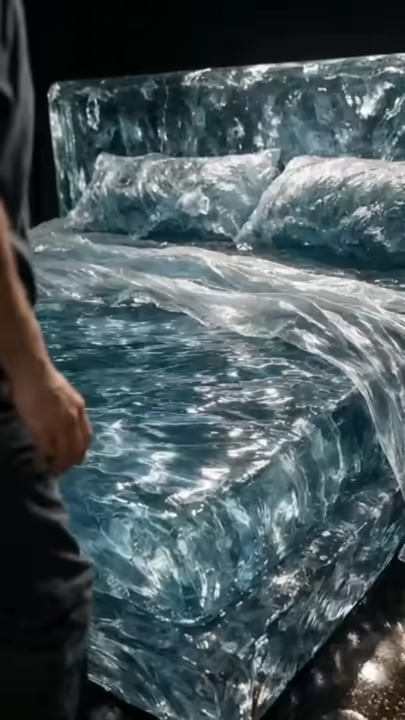
These immersive AI bedroom illusion videos drive engagement because viewers instinctively imagine which bed they would choose.
Step 1 Plan and Write Your Prompt in Focal
Open Focal and start with a structured cinematic prompt.
Here is the sample prompt structure used:
Generate 4 separate vertical video clips, each 7 to 8 seconds long, single continuous shot, no cuts. Each clip presents a fully immersive bed environment where the mattress, pillows, sheets, blanket, headboard, and frame are entirely made from the same material. No normal bedding materials allowed. The bed fills most of the frame with close immersive framing. Static camera. A realistic human approaches and interacts subtly with body language only. No dialogue. No music. Natural sound only. Video settings. Vertical 9 by 16, 7 to 8 seconds per clip, 30 fps, close framing, realistic physics, dramatic material driven lighting.
Clip 1 WATER BED. Everything is water with realistic ripples, reflections, and fluid displacement when touched.
Clip 2 GOLD BED. Everything is reflective metallic gold with rigid cushion forms and dramatic light reflections.
Clip 3 SAND BED. Everything is sand with dune like forms, collapsing edges, and flowing grains.
Clip 4 MAGMA BED. Everything is molten lava with slow bubbling glow, flowing viscous surfaces, and volcanic rock frame.
Tips for writing better prompts:
- Always describe full room immersion
- Mention realistic physics and material behavior
- Specify camera framing so the whole bed is visible
- Define lighting style such as soft bedroom lighting or cinematic window light
- Specify ultra realistic textures
You can duplicate the same structure and replace water with gold, sand, or fire.
Step 2 Select Model and Adjust Settings
Inside Focal you can:
- Choose Google Veo for maximum realism
- Set vertical 9 by 16 for TikTok
- Select duration between 8 to 12 seconds
- Increase detail level for texture realism
- Keep camera static for illusion style content
You can also fine tune realism strength depending on how natural you want the materials to behave.
Step 3 Generate and Review
Click generate and let Focal render the video.
Review for:
- Is the full bed visible
- Does the material react realistically
- Does the lighting look cinematic
- Is the human movement natural
If needed, slightly adjust prompt wording and regenerate.
Step 4 Minor Edits and Export
Once satisfied:
- Trim start or end frames
- Adjust pacing
- Export in high resolution vertical format
- Upload directly to TikTok or YouTube Shorts
Add caption text such as Which bed are you sleeping in and encourage comments for engagement.
Turn Your Bed Illusion Idea Into a Viral AI Video
Which Bed Are You Sleeping In videos combine visual shock, realism, and interactive curiosity. With the right prompt structure and the right AI video model, you can create immersive bedroom illusion content that stands out in a crowded short form feed. Focal makes it simple to move from idea to fully rendered cinematic AI video in one streamlined workflow.
If you want to create high retention AI illusion videos that look professional and realistic, this is the fastest way to do it.
Create your own immersive bed challenge video today and see which one your audience chooses.
Start creating your own Which Bed Are You Sleeping In AI video now with a powerful all in one AI video generator.
FAQs About Which Bed Are You Sleeping In AI Videos
How do I make a realistic water bed AI video?
Use detailed prompts that describe moving water physics, weight displacement, reflections, and full room lighting. Choose a high realism model like Google Veo and keep the camera framing wide enough to show the entire bed.
What is the best AI video generator for immersive bedroom illusion videos?
A platform that allows model selection, prompt control, and vertical export is ideal. Focal is designed for this type of cinematic AI short form content.
Why are Which Bed Are You Sleeping In videos trending on TikTok?
They combine curiosity driven engagement, visual contrast, and interactive decision making. Viewers comment which bed they would choose, which increases algorithm performance.
How long should a bed illusion AI short be?
Most viral clips range from 8 to 12 seconds. This keeps retention high and encourages replay value.
Can I make multiple bed variations in one video?
Yes. You can generate separate clips for water, gold, sand, and fire beds, then upload them as separate posts or combine them into a short compilation.
What makes an AI bed scene look immersive?
Full room context, detailed textures, realistic material physics, natural lighting, and believable human movement all contribute to immersion.
📧 Got questions? Email us at [email protected] or click the Support button in the top right corner of the app you must be logged in. We actually respond.