
How to Make an AI Baby Dancing Video That Looks Real and Goes Viral
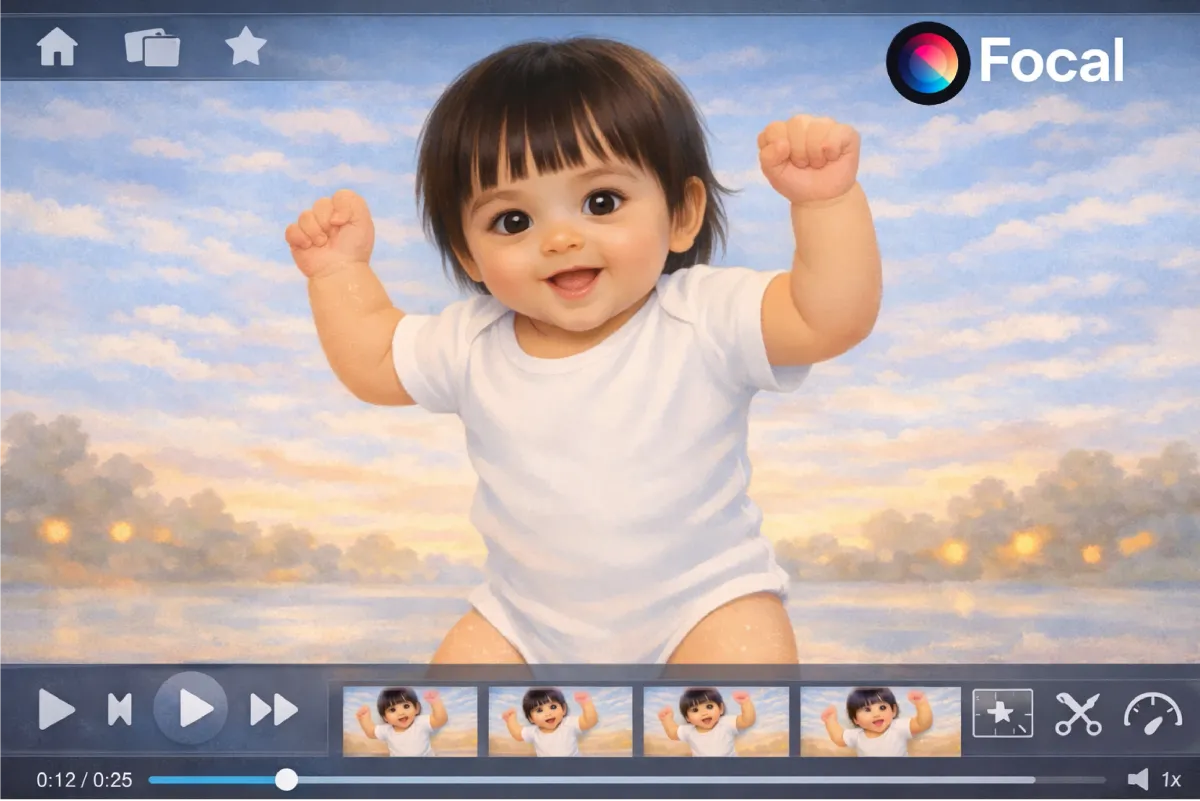
AI baby dancing videos are exploding across social platforms. If you are wondering how to make an AI baby dancing video that looks realistic, energetic, and viral ready, you are in the right place. With the right AI video generator, strong prompting, and correct settings, you can create an AI dancing baby video that feels shockingly real.
This guide shows you how to create a baby dancing AI video using modern AI video generation tools, with a focus on realism, motion quality, and viral appeal. You will also learn how to use detailed prompts, frame rate settings, and camera effects to push results further.
What AI Tools You Need to Make a Realistic Baby Dancing Video
To create a realistic AI baby dancing video, you need an AI tool that supports advanced motion, camera control, and style realism. This is where Focal fits perfectly.
Key capabilities you should look for include:
- Text to video generation
- Realistic human motion and body balance
- Control over video length and aspect ratio
- Camera movement simulation
- Lighting and grain effects
- Editable generation plans
Focal allows you to input highly detailed prompts, choose video settings like frame rate and resolution, and regenerate clips until the movement feels natural and impressive. This makes it ideal for AI baby dancing content.
Here’s What the Final AI Baby Dancing Video Can Look Like
A high quality AI baby dancing video should feel surprising, not cute or cartoonish. The goal is realism mixed with elite choreography.

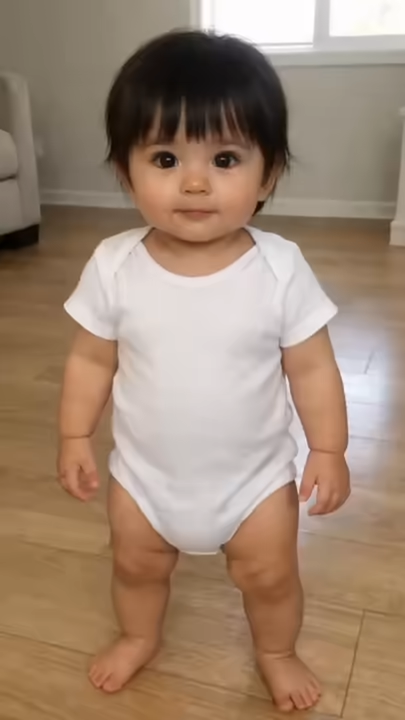
A strong output usually includes:
- A realistic baby body with adult level dance control
- Clean and sharp hip hop movements
- Smooth transitions and powerful freezes
- Natural lighting and indoor home environment
- Slight camera shake like an older phone recording
This type of output performs well on short form platforms because it triggers curiosity and replay value.
Step by Step How to Make an AI Baby Dancing Video in Focal
Step 1. Choose Your Video Settings
Inside Focal, start by selecting your core settings
- Aspect ratio 16 9 for YouTube or repurposing
- Duration 10 to 15 seconds
- Frame rate 24 to 30 fps for realism
- Style set to realistic or cinematic
These settings help the AI generate smoother motion and believable movement.
Step 2. Write a Strong AI Baby Dancing Prompt
Your prompt is the most important part. It should describe motion quality, environment, camera style, and mood.
Here is an improved version of your prompt that is optimized for AI video generation
Prompt Example
Create a vertical 9:16 video, 10-15 seconds. A realistic baby dancing in a normal home living room. The baby dances with impossible professional level street dance skill, like an elite adult hip hop dancer trapped in a baby body. Choreography is competition level with rapid combos, sharp accents, perfect rhythm, clean lines, controlled balance, complex transitions, and multiple strong freezes. Include one standout sequence with a fast shuffle into pop hits, followed by a smooth glide, then a hard freeze, then instant acceleration back into motion. No cute or playful baby movements. Only elite hip hop performance. Handheld older smartphone look with slight camera shake, mild blur, grain, low indoor lighting, imperfect focus, and visible home clutter. No dialogue or text.
Prompt Variation 1
Realistic Elite Hip Hop Focus
Video format 16 9. Duration 10 to 12 seconds. A realistic baby dancing in a normal home living room. The baby performs elite professional hip hop choreography with adult level control and balance. Movement quality is sharp, fast, and confident with clean lines and precise timing. No cute gestures, no playful baby movement, no exaggerated facial expressions. Include complex footwork, controlled spins, strong hits, and at least two clean freezes. Camera looks handheld from an older smartphone with slight shake, mild blur, indoor grain, and imperfect focus. Low indoor lighting with visible home clutter in the background.
Prompt Variation 2
Competition Level Dance With Visual Realism
Horizontal video 16 9. Length 12 to 15 seconds. A realistic baby performing advanced street dance choreography in a lived in home environment. Dance level is competition ready with fast combinations, smooth transitions, rhythm accuracy, and powerful accents. Include one standout sequence where the baby accelerates rapidly, stops in a hard freeze, then immediately continues. Motion should look intentional, controlled, and physically balanced. Avoid cartoon style, avoid cute baby behavior, avoid comedy movements. Camera style mimics an older phone recording with handheld shake, slight motion blur, grain, and low light noise.
Prompt Variation 3
Ultra Realism and Viral Shock Value
16 9 realistic video, 10 seconds. A baby dancing with impossible professional level hip hop skill inside a normal family living room. The contrast between the baby body and elite dance ability should feel shocking but believable. Choreography includes rapid footwork, glide movement, sharp pop hits, and one extended freeze. The baby never performs cute or playful actions. Only serious elite dance movement. Camera feels accidental and handheld, like a casual home recording. Slight blur, imperfect focus, indoor grain, and uneven lighting.
Prompt Variation 4
Minimalist High Control Prompt
16 9, 10 to 12 seconds. Realistic baby dancing elite hip hop choreography in a home living room. Adult level dance control, clean transitions, sharp timing, complex footwork, strong freezes. No cute movement, no cartoon style, no exaggerated expressions. Handheld phone camera look with shake, blur, grain, low indoor lighting.
Step 3. Generate and Review the Video
Click generate and let the AI render the video. Review the output carefully.
Check for:
- Smooth transitions between moves
- Natural limb proportions
- Consistent lighting
- No strange facial distortions
If something feels off, tweak the prompt slightly and regenerate.
Step 4,. Make Minor Edits and Export
Once satisfied, make small adjustments if needed
- Trim start or end frames
- Adjust sharpness or grain
- Slightly increase contrast
Export the final video and prepare it for sharing or embedding in your blog.
Advanced Tips for Creating AI Baby Videos
As AI baby videos in 2026 continue to evolve, these advanced techniques have become baseline requirements rather than optional optimizations.
Ready to Create Your Own AI Baby Dancing Video?
Learning how to make an AI baby dancing video is less about luck and more about precision. With the right AI tool, detailed prompting, and realistic settings, you can create videos that look professional and unforgettable.
As AI video technology improves, this niche will only grow. Starting now gives your blog a strong advantage.
Ready to create your own AI baby dancing video and stand out instantly?
FAQs About AI Baby Dancing Videos
Can AI really create a realistic baby dancing video Yes, advanced AI video generators can now simulate realistic baby movement combined with professional level choreography when guided by detailed prompts.
What makes an AI baby dancing video look realistic Strong motion description, correct frame rate, realistic lighting, and camera shake effects all contribute to realism.
How long should an AI baby dancing video be Ten to fifteen seconds works best for realism and engagement, especially for viral style content.
Do AI baby dancing videos work for SEO blogs Yes, embedding or explaining viral AI video concepts can increase dwell time and organic traffic.
Is it better to use hip hop or freestyle dance styles Hip hop with clear structure, freezes, and rhythm usually looks more impressive and believable in AI generated videos.
📧 Got questions? Email us at [email protected] or click the Support button in the top right corner of the app (you must be logged in). We actually respond.