How to Make AI Dancing Cat Videos That Go Viral
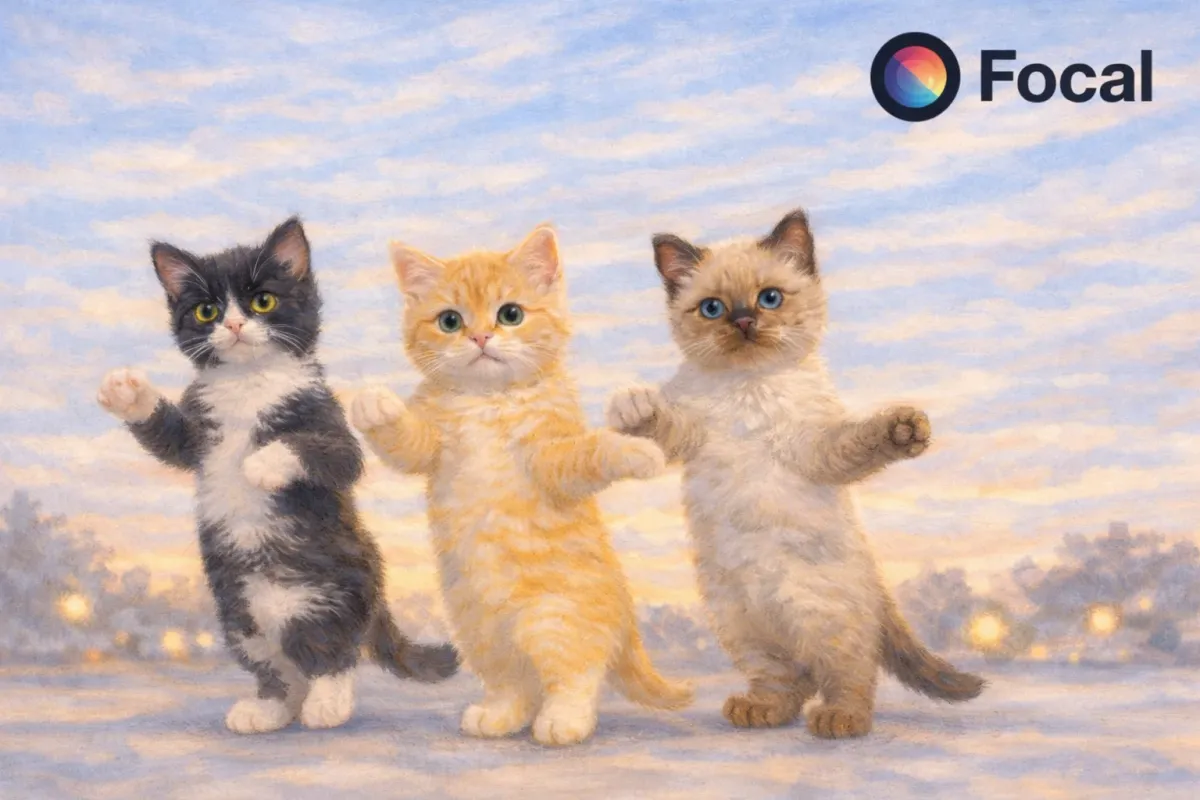
AI dancing cat videos dominate TikTok, YouTube Shorts, and Instagram Reels because they combine cute visuals, rhythmic motion, and absurd humor that loops perfectly.
The best performing videos feel intentional, not random. They have smooth motion, clear character identity, and movement that locks onto the music.
This guide shows a real example created using Focal, followed by the exact steps, prompts, and settings used to recreate the same result.
@humeantics The kittens dancing with some “confidence” trying to go viral on this new trend. #kittens #cats #catover
♬ original sound - ⠀ ⠀ ⠀ ⠀︎ ︎
Why AI Dancing Cat Videos Are Everywhere
AI dancing cat videos work because they trigger multiple engagement signals at once.
• Instantly understandable concept
• Cute and meme friendly visuals
• Strong pairing with trending music
Short form platforms reward content that feels complete even when replayed automatically, which is why dancing cats perform so well.
Tools Needed to Create AI Dancing Cat Videos
To make AI dancing cat videos, you need tools that support full motion generation, not just image animation.
Look for the following capabilities.
• Consistent character appearance
• Smooth full body movement
• Music synchronized motion
• Control over video format and timing
This is where Focal fits naturally into the workflow. Instead of planning everything manually, Focal turns a single prompt and reference image into a structured video plan.
What You Can Create Using Focal in One Prompt
Here is a real example of what you can create using Focal.
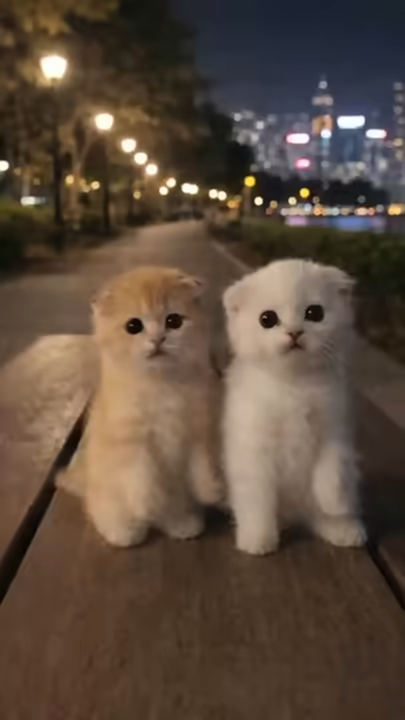
The project started with one reference image: two kittens sitting side by side on a stone bench at night. From that image, the goal was to create a short, looping video with a cute, synchronized dance, a TikTok-style rhythm, a static phone-like camera, and a clean ending pose that loops smoothly.
Instead of breaking this into steps, you simply enter one descriptive prompt and let Focal handle the rest.
After the prompt, Focal automatically
• Organizes the idea
• Creates a creative plan
• Generates a storyboard
• Offers simple creative options
Then produces the final video like this one:
Step 1 Create the Cat Character
The first step is defining the cat clearly. Strong character definition improves motion realism and consistency.
Think about.
• Fur color and texture
• Body size and proportions
• Overall personality or vibe
The Exact Prompt Used
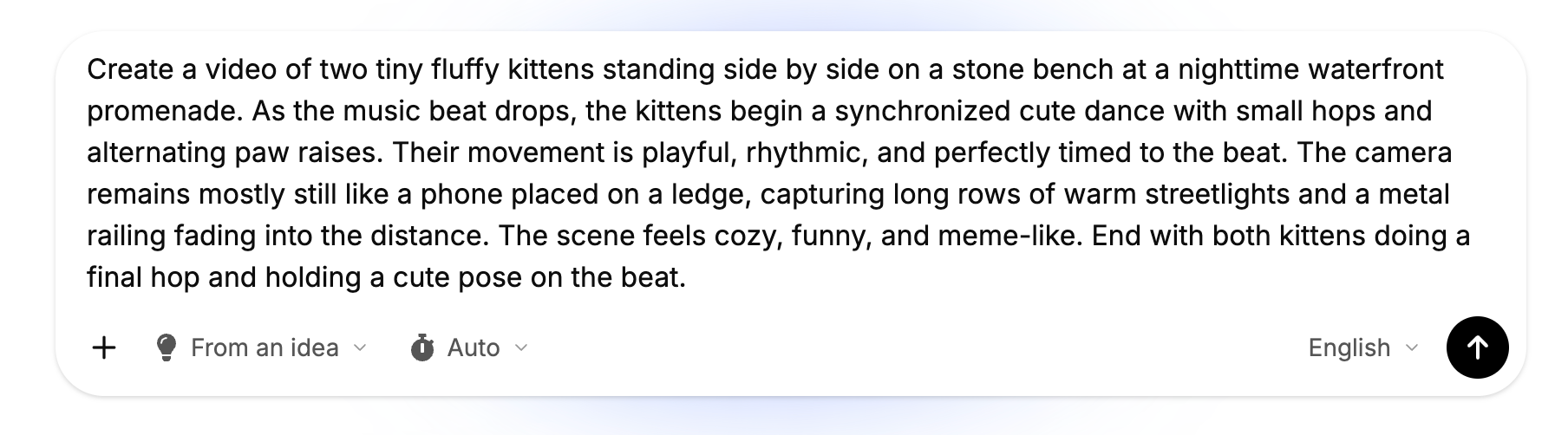
Tips for Writing Better Dancing Cat Prompts
• Write full descriptive sentences
• Describe how the movement feels
• Mention rhythm and timing
• Define camera settings & camera behavior clearly
Sample Long Prompt You Can Reuse
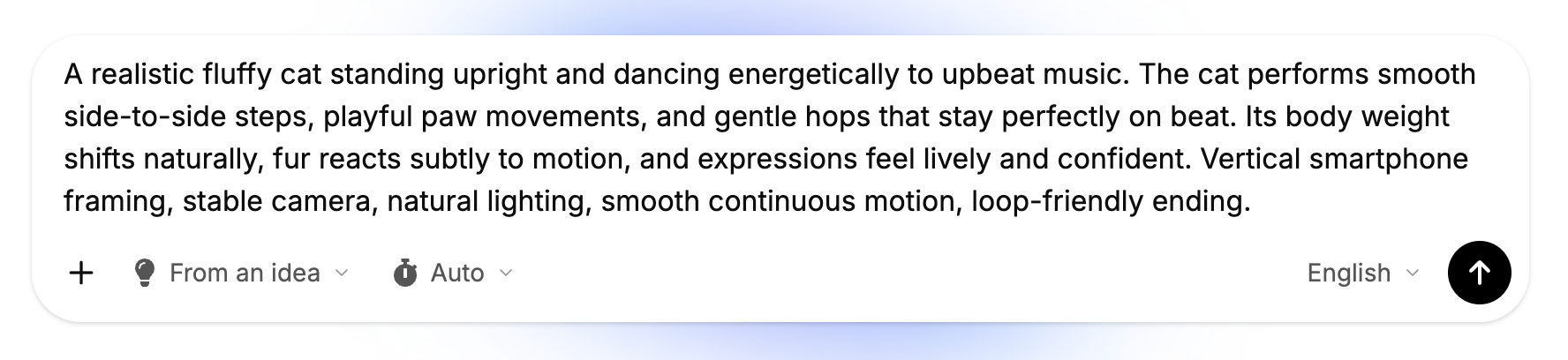
Step 2 Choose Options Inside Focal
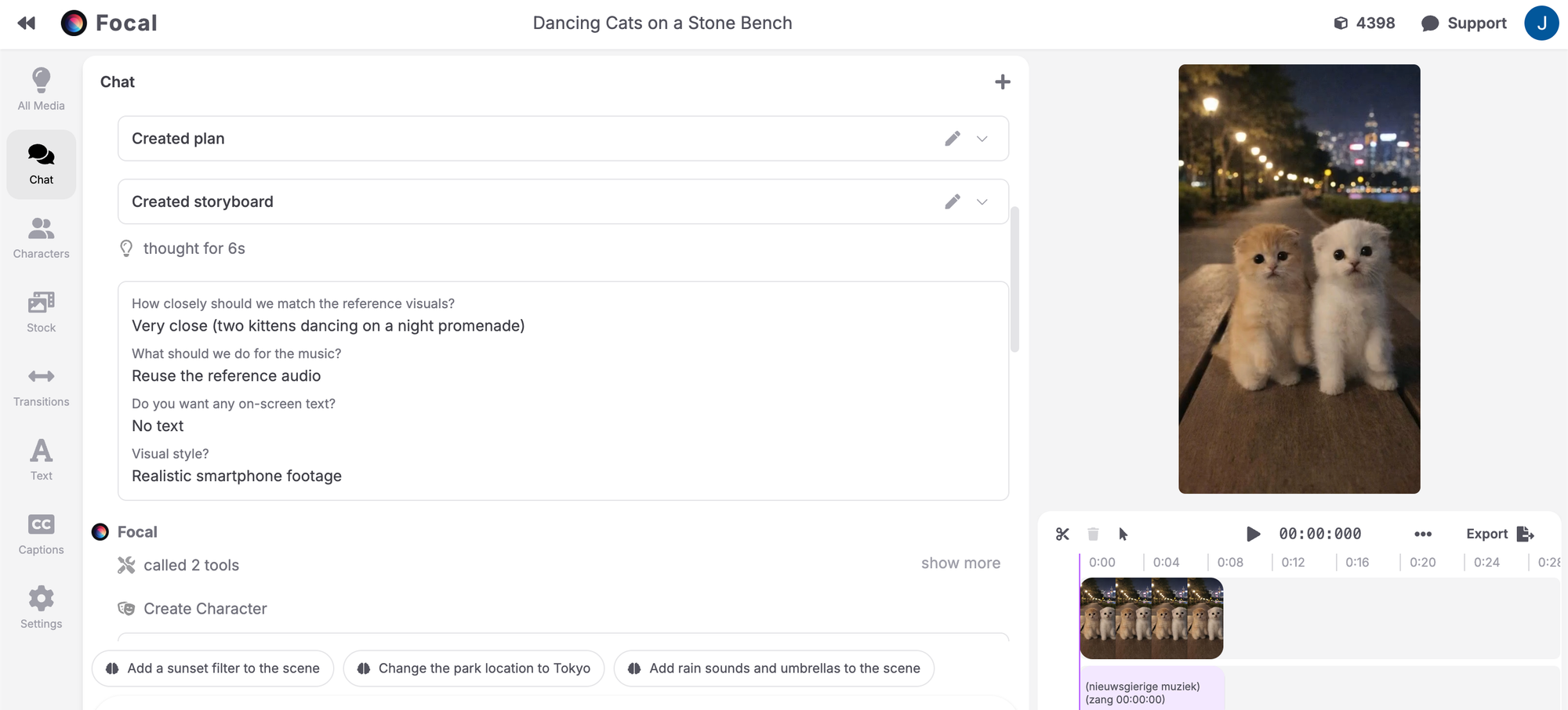
After submitting the prompt, Focal automatically creates a plan and storyboard. You then choose a few simple options before generation.
Typical options include:
• How closely to match the reference visuals
• Visual style and realism level
• Whether to reuse reference audio
Behind the scenes, Focal can call on different AI tools depending on the creative direction, without changing your workflow.
Video Settings for Viral Dancing Cat Clips
These settings significantly impact short form performance.
Including these details improves realism and looping behavior.
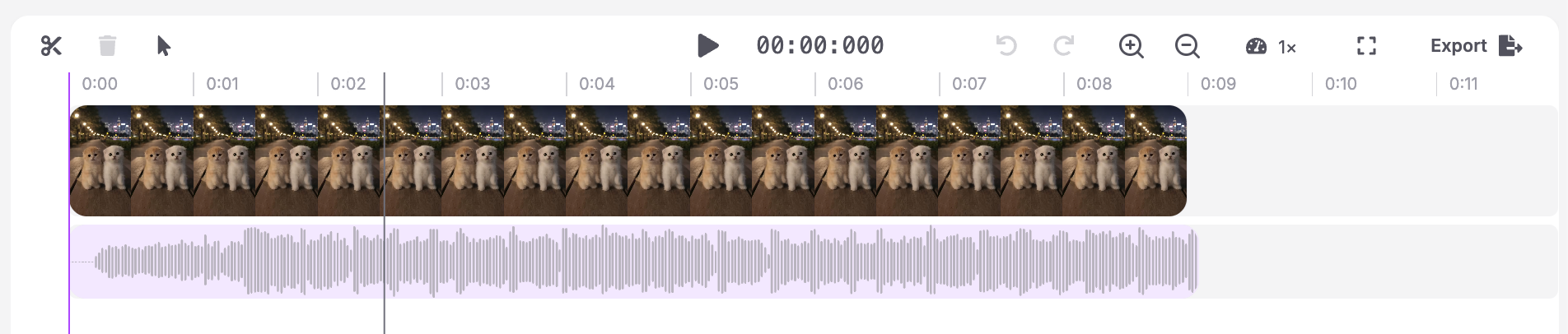
Step 3 Generate and Export
Once options are selected, generate the video.
After generation.
• Preview for smooth motion
• Check loop quality
• Export in high quality for short form platforms
This entire process happens inside Focal, from reference image to final video.
Final Tips for Going Viral With AI Dancing Cats
• Keep dances simple
• Match movement tightly to music
• Avoid fast camera changes
• Reuse the same character in multiple videos
• Test different dances with the same prompt structure
Small refinements often outperform complex ideas!
Create AI dancing cat videos that are ready for TikTok or Reels without juggling multiple tools. Focal turns a single prompt into a fully planned AI video.
FAQs
How do people make AI dancing cat videos?
Creators use AI video generation tools like Focal that support full body motion and guide the animation with detailed prompts.
What AI tool makes dancing cat videos?
Tools that support realistic motion generation and prompt-based planning work best for this content style.
Can AI generate realistic animal dancing?
Yes, modern AI video models can generate smooth and believable animal movement when prompted correctly.
What prompts work best for AI dancing cats?
Long descriptive prompts that include rhythm, motion, and camera behavior produce the best results.
How long should an AI dancing cat video be?
Between 8 and 15 seconds works best for looping and short form feeds.
📧 Got questions? Email us at [email protected] or click the Support button in the top right corner of the app (you must be logged in). We actually respond.