How to Animate an Image Using AI and Make a Photo Dance
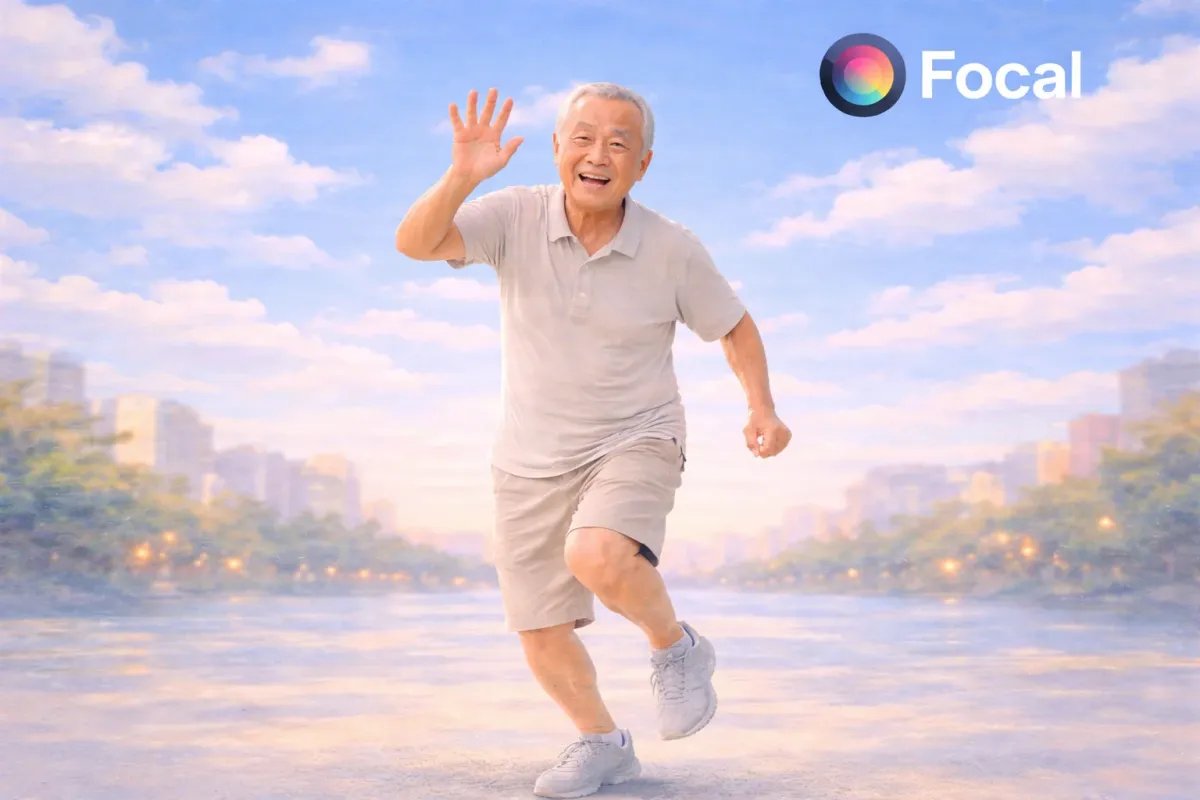
Animating an image using AI is no longer limited to small facial movements or subtle motion effects. Today, AI can turn a single photo into a full dancing video with realistic body movement, facial expressions, and smooth motion. This includes everything from making a portrait blink and smile to making a grandpa dance like he belongs on TikTok.
This guide focuses on how to animate a photo using AI in a practical way. The goal is to make a still image move, dance, and feel alive while staying visually consistent. You will learn how image to video AI works, what capabilities matter most, and how to create a dancing photo using a single prompt and a few settings inside Focal.
If you are searching for how to animate an image using AI, make a picture move, or turn a photo into a dancing video, this walkthrough is built exactly for that.
@stillfrank69oy #fyp #viral #frank69 #dance #grandpa
♬ Thot Shit - Megan Thee Stallion
Why AI Image Animation Is Exploding Right Now
AI image animation is taking over social feeds because it turns static content into motion content. Motion stops the scroll and movement creates emotion.
Some key reasons this format is growing fast
- One image can become a full video without filming
- Old photos can feel modern and alive again
- Dancing and movement perform well on short form platforms
- AI motion transfer looks more realistic than basic animation effects
Creators are using AI to animate portraits, family photos, memes, historical figures, and personal images. The emotional hook of seeing a still photo move is powerful, especially when it dances.
This is also why image to video AI and photo animation tools are seeing rapid search growth.
Tools and Capabilities Needed to Animate Images with AI
To animate an image using AI properly, the system needs more than simple motion presets. It needs real motion understanding.
Key capabilities that matter for AI image animation
- Facial motion that includes blinking, mouth movement, and micro expressions
- Body motion transfer that supports dancing and rhythmic movement
- Frame rate control for smooth playback
- Aspect ratio control for vertical and horizontal videos
- Character consistency so the face and body do not drift
These capabilities are essential when you want to make a photo dance instead of just wobble or slide. This is where Focal comes in.
Focal works as an AI video generator that connects multiple AI models capable of image to video animation, facial motion, and body movement. Instead of locking you into one animation style, you can choose how realistic or stylized the motion should be.
What I Created Using Focal From a Single Image
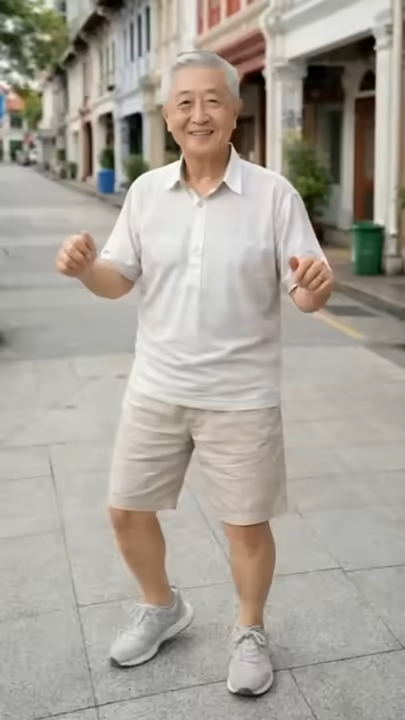
For this example, I animated a single photo of a grandpa and turned it into a short dancing video.
The input was one still image. No video reference. No motion capture. Just a clear prompt and the right animation settings.
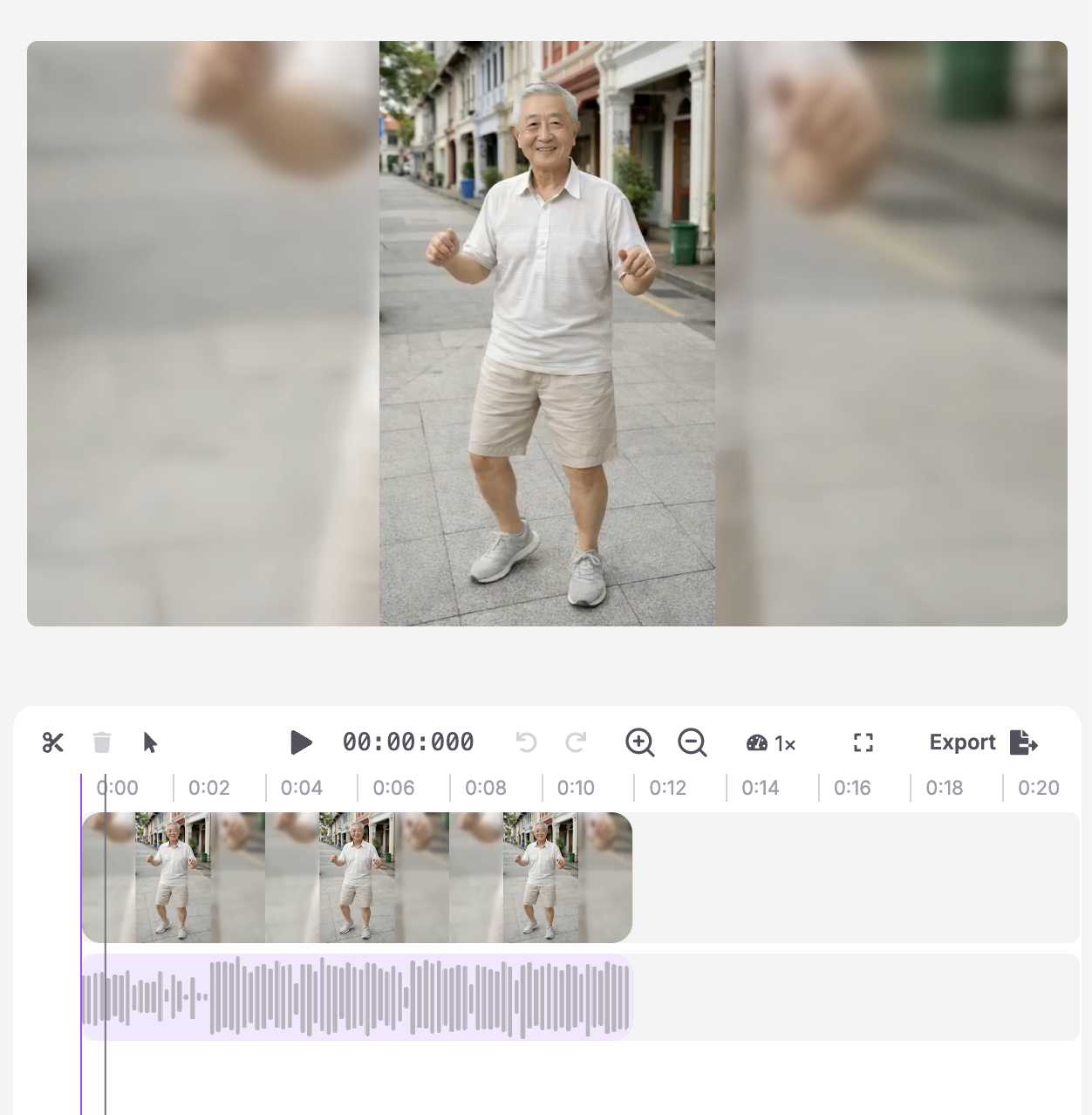
The result was a believable dancing motion with
- Stable facial features
- Natural body movement
- Consistent clothing and proportions
- Smooth transitions between movements
This type of output works well for TikTok, Instagram Reels, and YouTube Shorts. It also shows how far AI image animation has progressed compared to older photo animation tools.
Step by Step How to Animate an Image Using AI in Focal
Step 1. Planning and Prompting the Animation
Start by deciding what kind of motion you want. Dancing is different from walking or talking. Be specific.
This is an example of a prompt structure you can use:
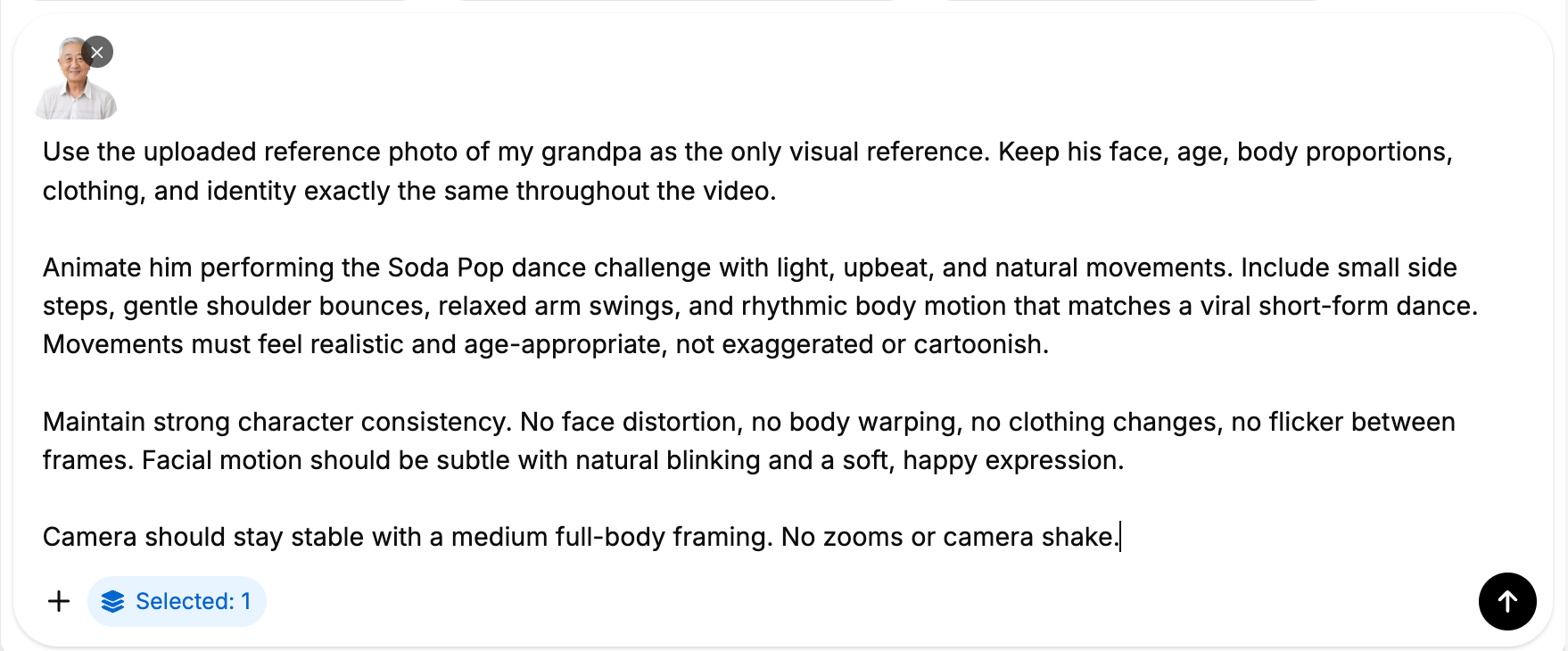
Tips for better prompts
- Describe movement style not just action
- Mention realism level
- Call out consistency explicitly
- Keep the subject grounded in reality
You can experiment with variations that mention upbeat dancing, slow dancing, or comedic movement.
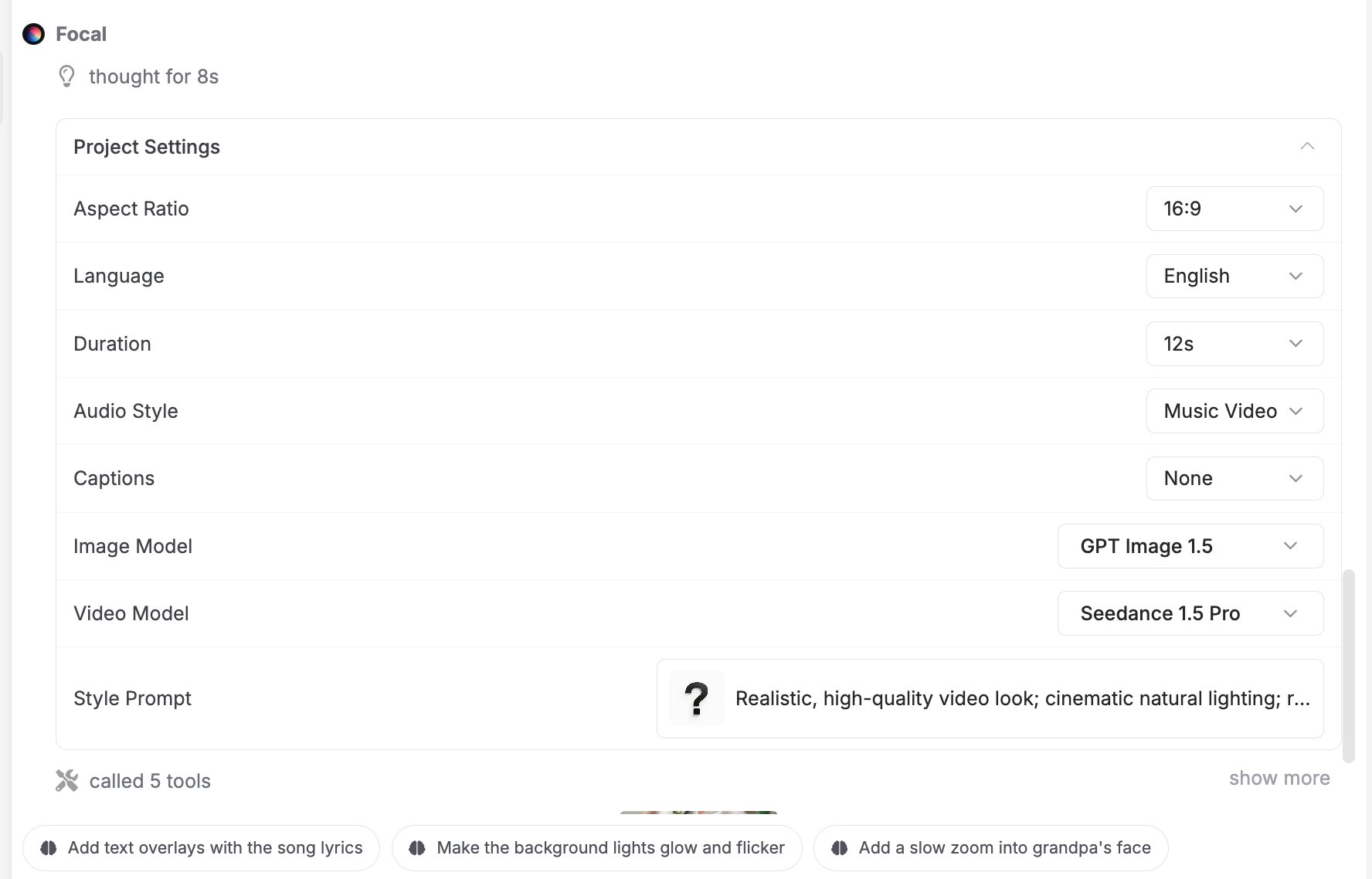
Step 2. Choosing Options and Adjusting the Plan in Focal
After entering your prompt, Focal lets you adjust how the animation behaves.
Important settings to configure
- Frame rate set to 24 or 30 fps for smooth motion
- Duration between 5 and 10 seconds for social platforms
- Aspect ratio set to 9 by 16 for vertical video
- Motion intensity set to medium to avoid distortion
This is also where Focal selects the underlying AI models best suited for image to video motion and character animation.
Step 3. Generating the Animated Image Video
Once everything is set, generate the video.
Focal handles the model orchestration automatically. The AI applies facial animation, body motion transfer, and temporal consistency.
Review the result and check for
- Facial stability
- Natural movement flow
- No flickering or warped limbs
If needed, make small adjustments and regenerate.
Step 4. Save, Export and Share
When satisfied, export the video.
Recommended export settings
- MP4 format
- High quality preset
- Vertical resolution for short form platforms
From here, you can upload directly to TikTok, Reels, or Shorts.
This workflow also supports future edits if you want to create variations with different dance styles.
Why Animating Images with AI Works So Well
Animating a photo using AI creates instant emotional engagement. It feels personal, surprising, and shareable.
Turning a still image into motion bridges nostalgia and modern content. That is why dancing photos, especially of parents or grandparents, perform extremely well.
This format also scales. One image can generate multiple videos with different movements and styles.
Turn any image into a living, dancing video using AI powered motion and character animation.
FAQs About Animating Images Using AI
Can AI animate a single image into a video?
Yes, modern image to video AI can turn one photo into a moving video with facial and body motion.
How do you make a picture move and dance?
You upload a photo, describe the motion in a prompt, and let AI apply motion transfer and animation.
Is AI image animation realistic?
With the right models and settings, AI animation can look smooth and believable.
Can AI animate old photos?
Yes, old photos can be animated as long as the face and body are clearly visible.
What is the best AI for animating photos into videos?
Tools like Focal, supporting AI video models capable of image to video animation, facial motion, and frame control, offer the best results.
📧 Got questions? Email us at [email protected] or click the Support button in the top right corner of the app (you must be logged in). We actually respond.